Most software gets sold, then delivered, then maybe it works. This is the opposite. The system goes live on your server while you watch. A real AI agent completes a real purchase through your store. You see the transaction. Then the invoice is submitted. Not before.
How you get to Install Day
Install Day isn't the start of the process. By the time the call happens, three things are already done.

Application reviewed manually. Right store, right platform, right timing — approval and portal invite within 48 hours.
 VPS access, store config, and platform details all confirmed" loading="lazy" />
Pre-install checklist complete. VPS access, store configuration, platform details — all confirmed before the call.

Install Day slot selected. Our team has reviewed everything before the call. No surprises on the day.
If you haven’t completed these yet —
Apply Here →What happens on the call
The call is screen-shared from the start. You watch everything in real time. Nine steps. Forty-five minutes. A working system on your server at the end.



01 / 09
We connect live on the day
At the scheduled start time, the installation team is live on screen with you. Screen sharing begins immediately — you watch the entire deployment happen in real time. Nothing executes in the background, nothing runs off-screen. If you need to pause or ask a question at any point, the process waits.
02 / 09
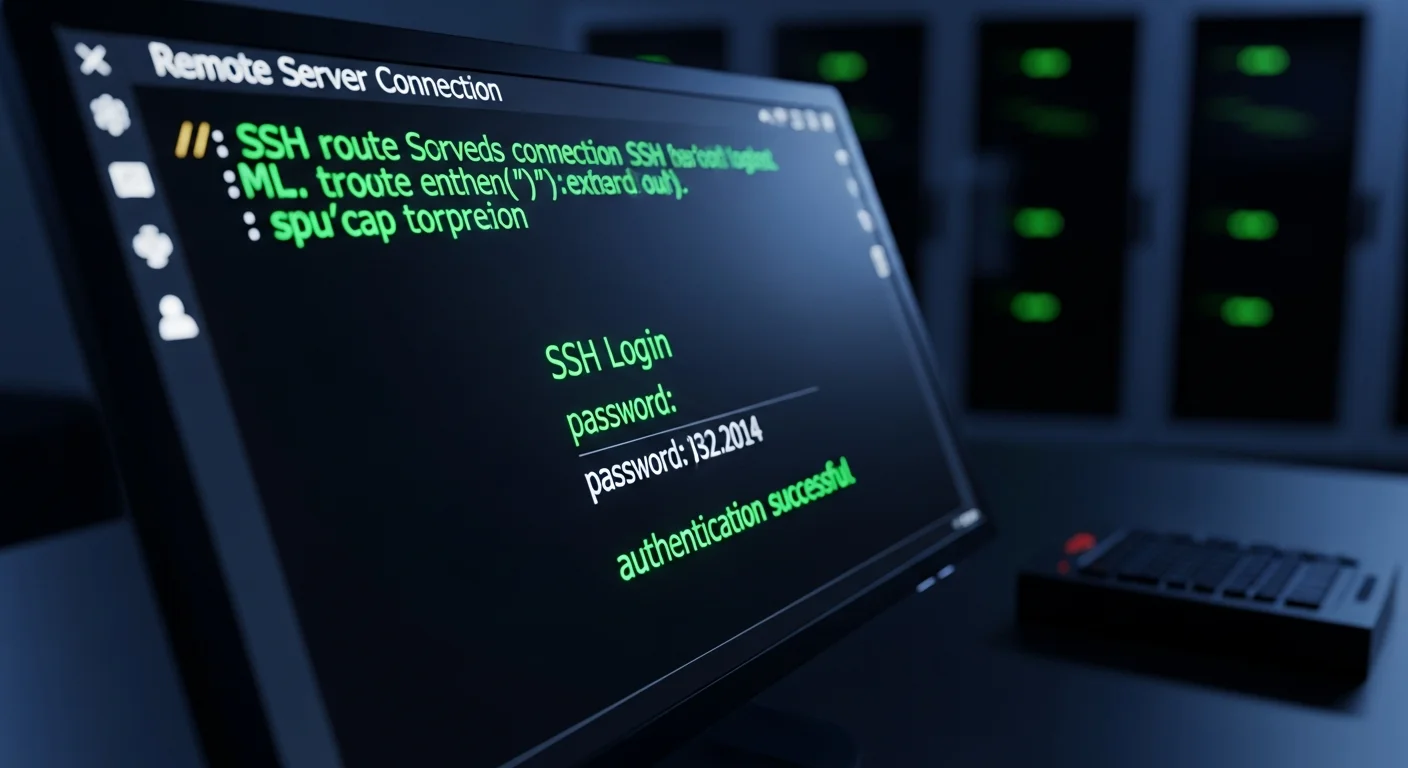
Secure server connection
Our engineer opens an SSH session to your server with you watching. You see the terminal, the credentials being used, and every command executed as it happens. There is no off-screen configuration, no parallel session running in the background. You see exactly what is touched and why — no blind trust required.
03 / 09
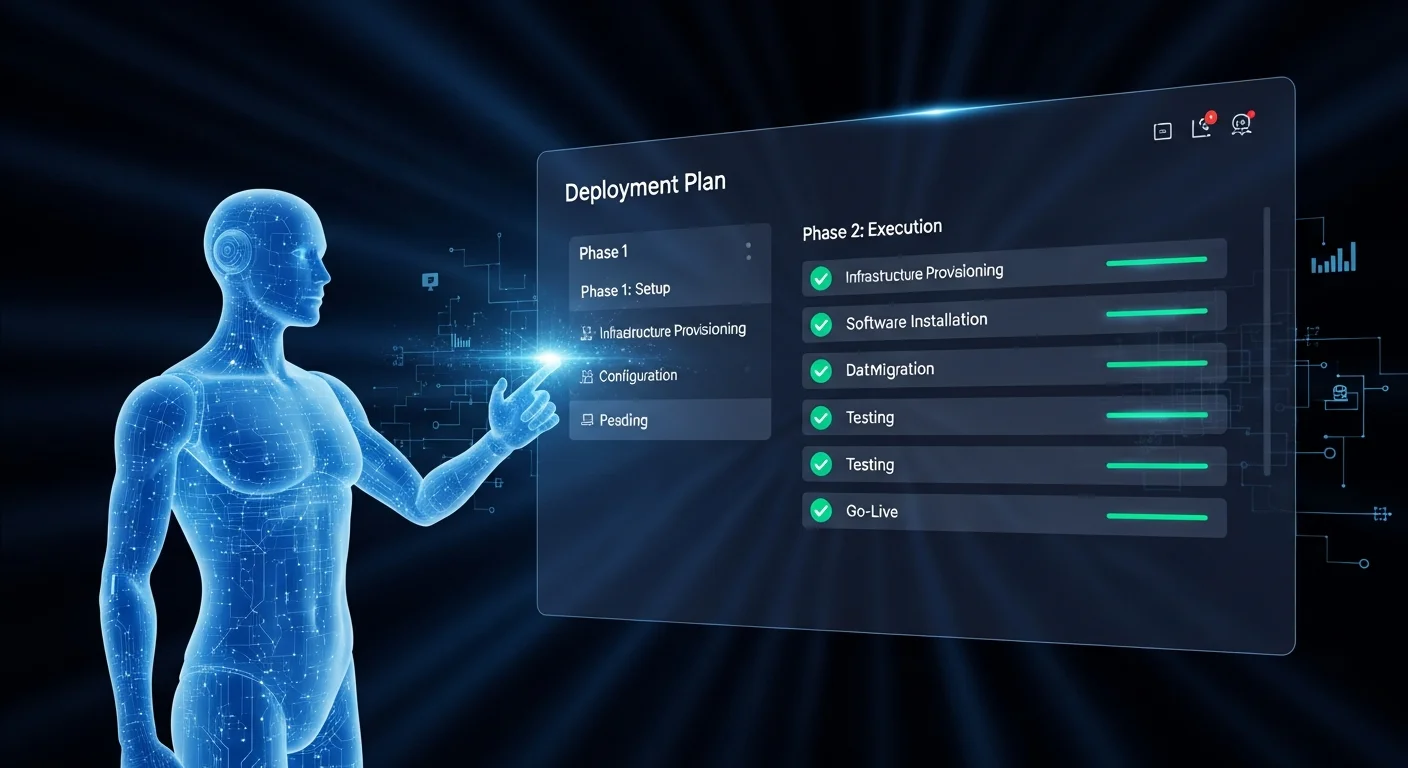
Deployment agent displays the plan
The deployment agent initialises and maps out every action it is about to take — file locations, services to configure, dependencies to install, endpoints to create. You see the complete plan displayed on screen before a single change is made to your server. Nothing executes without your explicit approval in the next step.
04 / 09
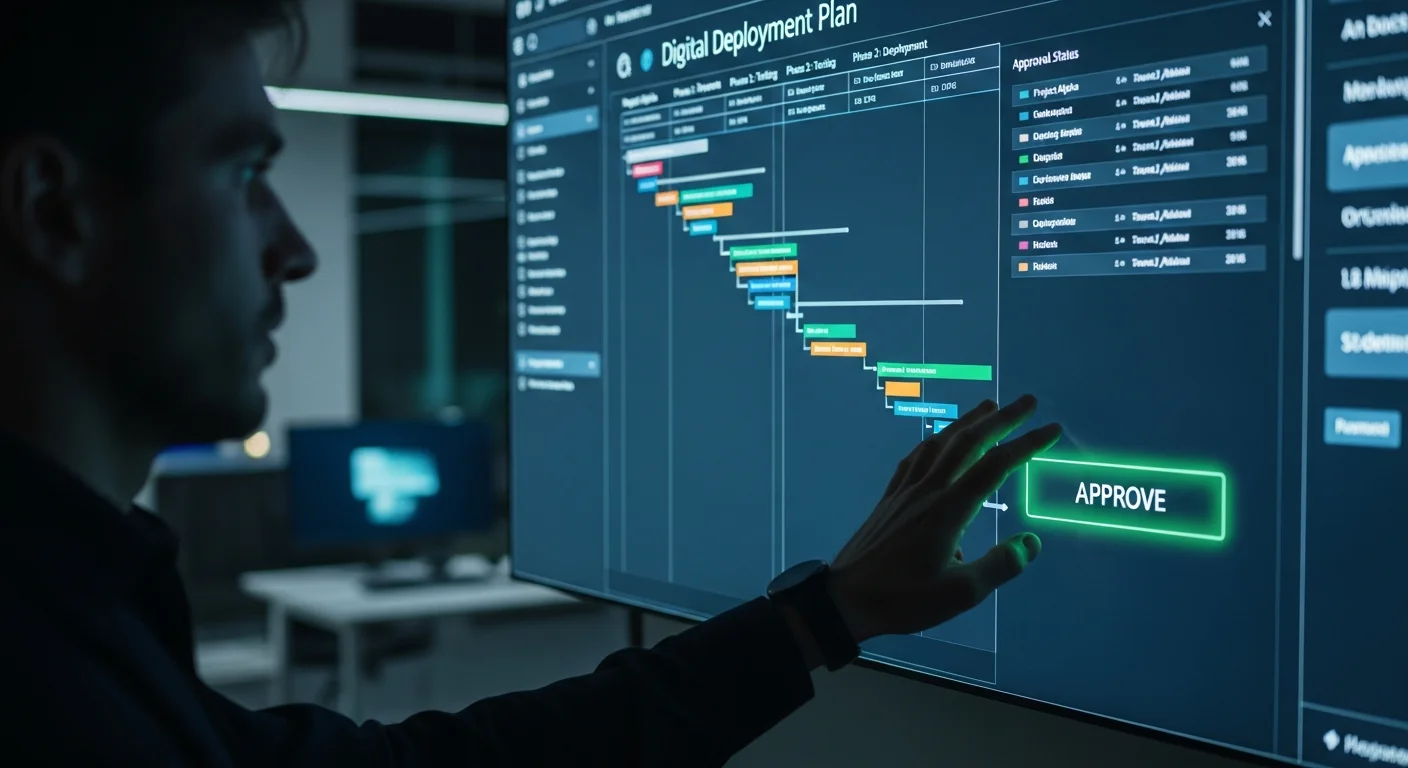
You approve the plan
You review the deployment plan on screen. If anything looks unexpected, this is the moment to flag it. The admin dashboard is opened live alongside the plan — your approved application, your store details, your chosen package, all loaded and confirmed. Only after your explicit sign-off does the agent proceed.
05 / 09
Everything is backed up
Before a single file is modified, the agent takes a complete snapshot of your server — configuration files, existing services, directory structures, all environment state. A full recovery point is established. If anything goes wrong at any stage of the deployment, the restoration is immediate and complete. Your existing system is never put at risk.
06 / 09
Agent deploys
The ACP substrate goes live on your server — the discovery file, the purchase endpoint, the structured product data layer, and the checkout intelligence system. You watch each service come online in the terminal as it happens. No SaaS dashboard you’ll lose access to. No platform dependency. Your VPS. Your code. Permanent.
07 / 09
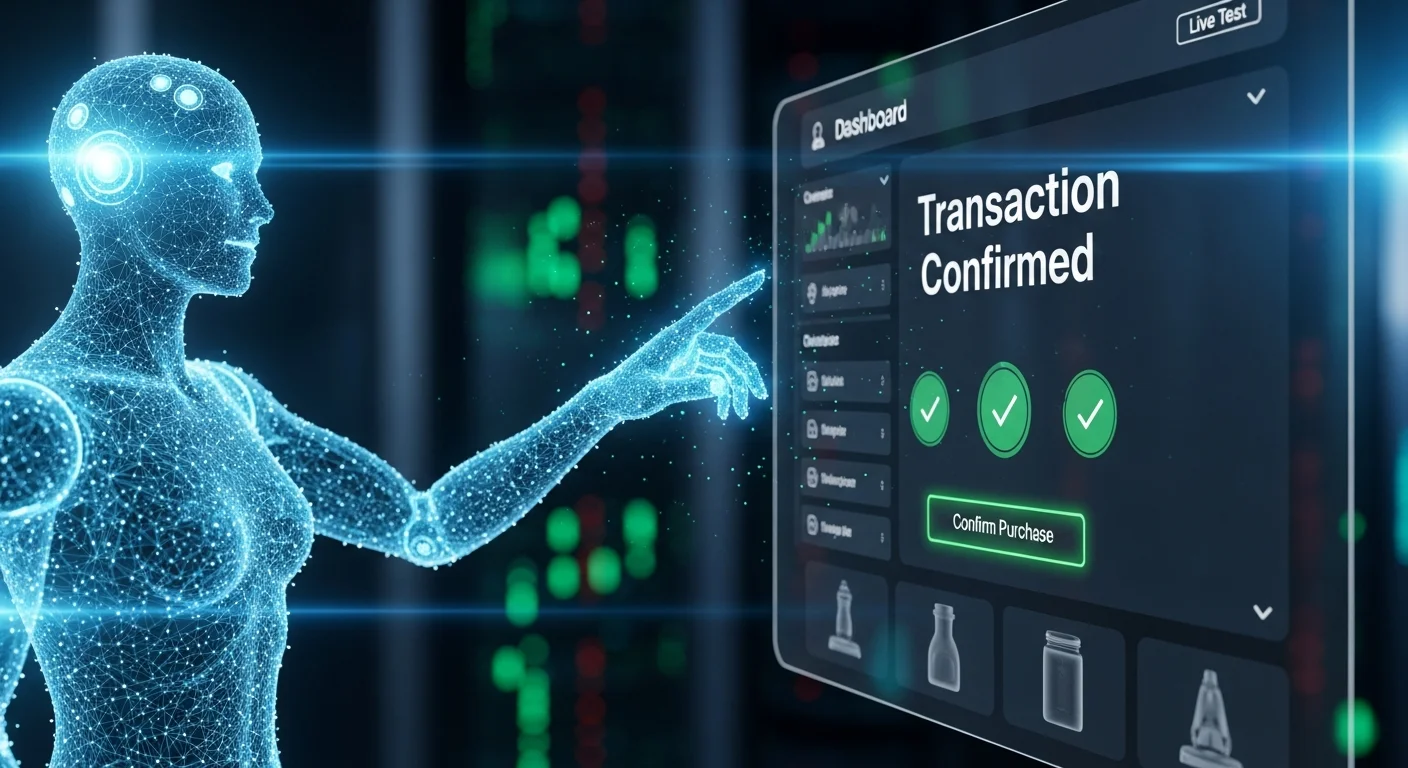
Live test: a real AI agent, your real catalog
A real AI agent — not a mock, not a simulated flow — connects to your store’s new ACP endpoint and runs a 50-point catalog test: products, sizes, colors, variants, pricing, availability. It selects a product and completes a real purchase against your live catalog. Your POS is in test mode, so nothing charges and nothing ships. The completed order appears on your POS terminal and immediately in your new AC dashboard, flagged as AI agent checkout. Under a second from discovery to order complete. That is the proof — the agent understands your catalog.
Your new dashboard shows the order immediately, flagged as AI agent checkout. This is the data that makes the value of agentic commerce visible — the exact share of revenue coming from AI agents, live from your own database.

08 / 09
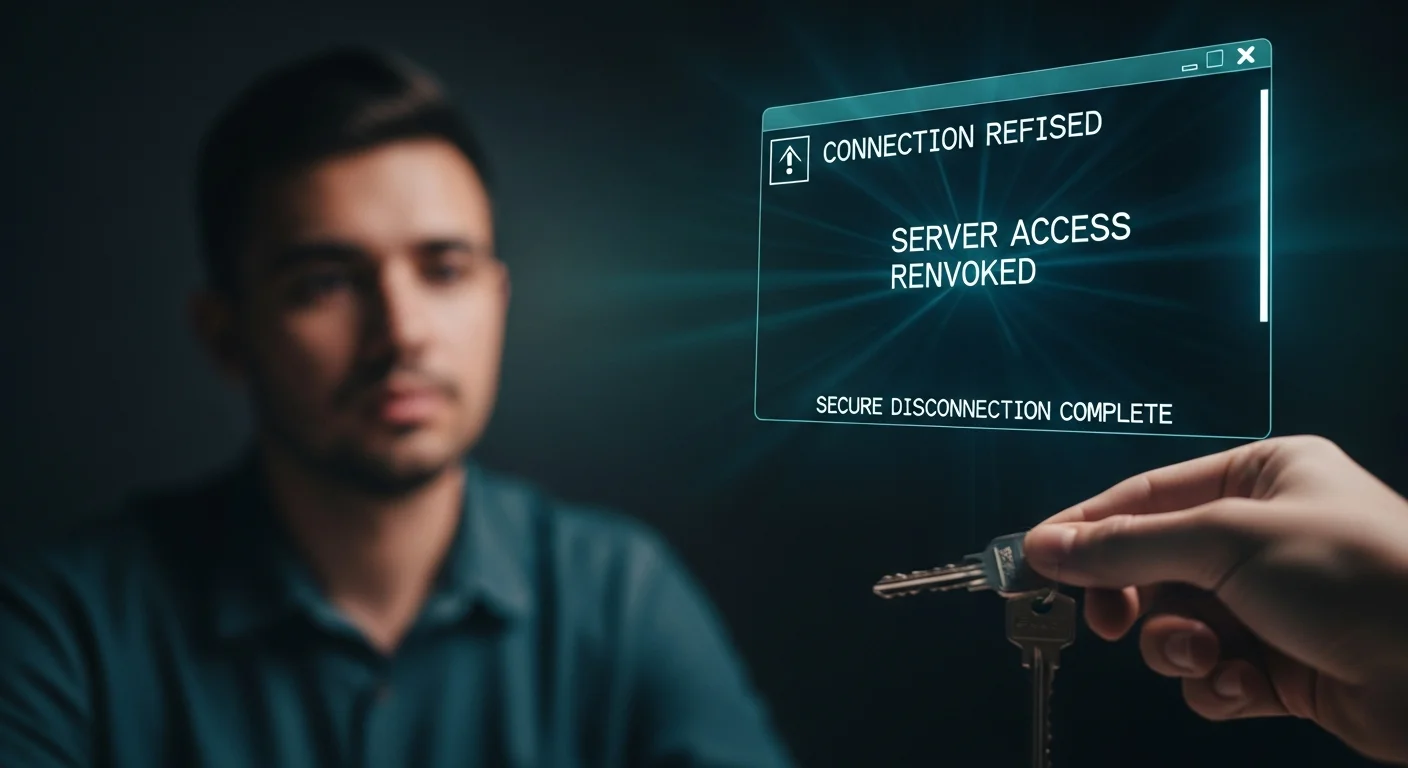
Invoice submitted. Keys handed back.
The proof just happened. The Foundation invoice is submitted live during the call — only after the live test runs successfully. What you pay is for what you just watched happen.
Then the handback: every credential is deleted from our systems on-screen. You watch the terminal confirm the access is gone. You rotate your root password and revoke the temporary key. From that moment, no one can reach your server except you. The keys are back in your hand.

09 / 09
No risk. No obligation. Your decision.
You watched it work. You saw a real AI agent complete a real purchase on your store. Now you have 72 hours to pay the Foundation invoice. If you don’t pay within that window, the 72-hour window closes — no drama, no chasing, no awkward conversations.
This is not a threat — it’s a filter. Clients who watched the live test and decided it was worth doing move within hours. But here is the reality: AI agents are already buying. The merchants who make their stores agent-ready now own the next decade. The ones who wait won’t be found.
What you own after Install Day
- The ACP substrate — running permanently on your VPS, agent-discoverable by ChatGPT, Perplexity, Operator, and any ACP-compatible agent
- Checkout Intelligence — real-time stall detection and resolution on every checkout session
- Checkout Continuity — cart and session state persisted across interruptions
- Post-Purchase Automation — order confirmation, tracking updates, delivery handoff, zero manual touch per order
- The dashboard — live view of every order showing human vs AI agent checkout, from your own database
- Full source code delivered to your repository — no license fee, no SaaS dependency, runs forever
Package 1 is the Foundation. It runs standalone, or it becomes the base for Package 2 — JARVIS, the autonomous SEO engine — if that conversation happens naturally on the call.
Honest answers to the questions buyers actually ask
What if the live test doesn’t work on the call?
Then you don’t pay. The invoice is only submitted after the live test runs successfully — the deployment system itself enforces this. Worst case: 30 to 45 minutes of your time.
The application and checklist are designed to reduce that risk. By the time you’re on the call, your platform, VPS, store config, and connection have all been verified. Install Day is the proof.
Is this really just one call? What’s the catch?
No catch. The catch is the application — Install Day is short because the prep is thorough. If your stack reveals an incompatibility, you’ll know before Install Day, not on it.
This system has been validated across live production stores, including all of Sid Ratnam’s active properties. The stakes of keeping it working are real and ongoing.
What does it cost?
One payment. A working, agent-discoverable storefront on infrastructure you own. Source code in your repository. No recurring license. No transaction fees. The substrate, the intelligence layers, the dashboard — all installed, all yours, all permanent.
What about security after Install Day?
Just like your car mechanic, we hand the keys back to you. SSH credentials were deleted at the end of the call. We confirm on the call that we no longer have ongoing access.
What if I need help with my checklist?
Every checklist step in the dashboard has a direct support line. Most questions get answered same-day.
READY TO BEGIN
Start with the
application.
The application takes 10 minutes. If it’s a fit, you’ll hear back within 48 hours. No payment until your agents are live and working on your server.
Apply for a build → ← Back to Agentic Commerce overviewJARVIS Suite Only
Three sessions. No charge.
You become the operator.
JARVIS includes three live training sessions at no charge. Not a walkthrough of features — a working capability transfer. Foundation does not include training; these sessions are specific to the JARVIS upgrade.
- Session 1 — install week: Understanding what's running on your server. What each service does, how they communicate, what the daily reports look like.
- Session 2 — week 3: How to extend and configure the agents. Changing brand voice settings, adjusting recovery sequences, modifying Discovery Optimizer parameters.
- Session 3 — day 60: Diagnosing issues, reading JARVIS reports, using your own AI agent on your VPS to build the next capability. After this session, you handle routine issues yourself.
Your own AI agent is installed on your VPS, connected to your Anthropic API key. It's yours — for all future support, configuration, and development needs. By day 60, you understand your own system the way the person who built it does. Not a help desk — a capability transfer.